
Your menu, on every screen in the room.
Menu boards, offers and videos for restaurant TVs, POS screens and counter PCs. Change what plays from your phone, at one branch or all of them.
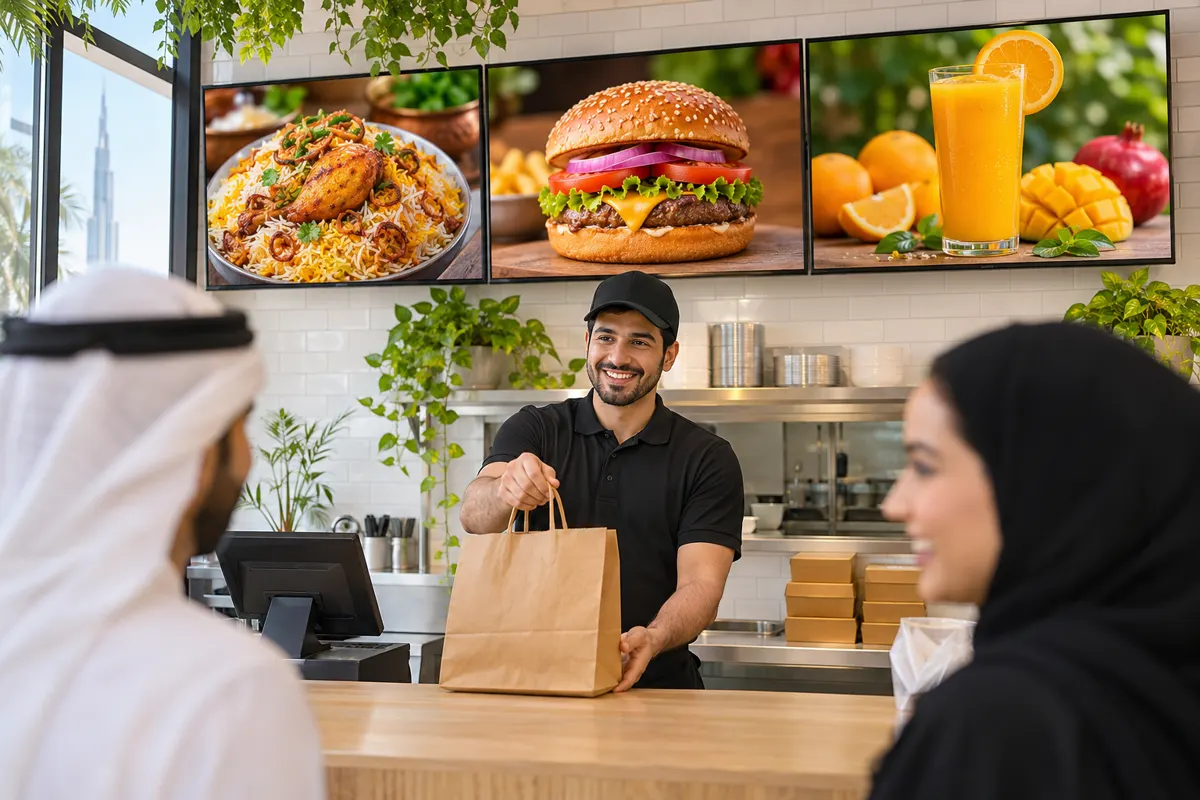
Saw the FYKO TV mark on a screen? That restaurant runs its screens on Fyko TV. Yours can too.
What it plays
One screen, many jobs. None of them by hand.

Menu boards that keep up
Built from your live Fyko menu. Change a price once and every board follows.

Offers, photos and videos
Upload a photo or video, or make a slideshow, and send it to any TV. It switches within seconds.
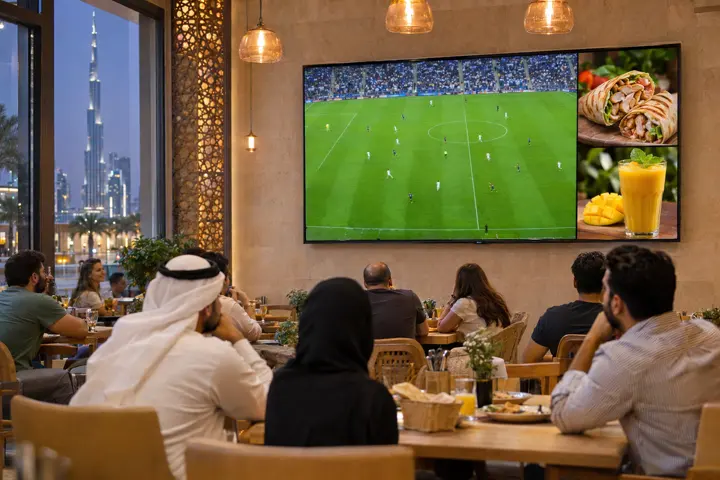
Live + Ads
A live YouTube stream or a video in the big space, with your own dishes and offers around it.
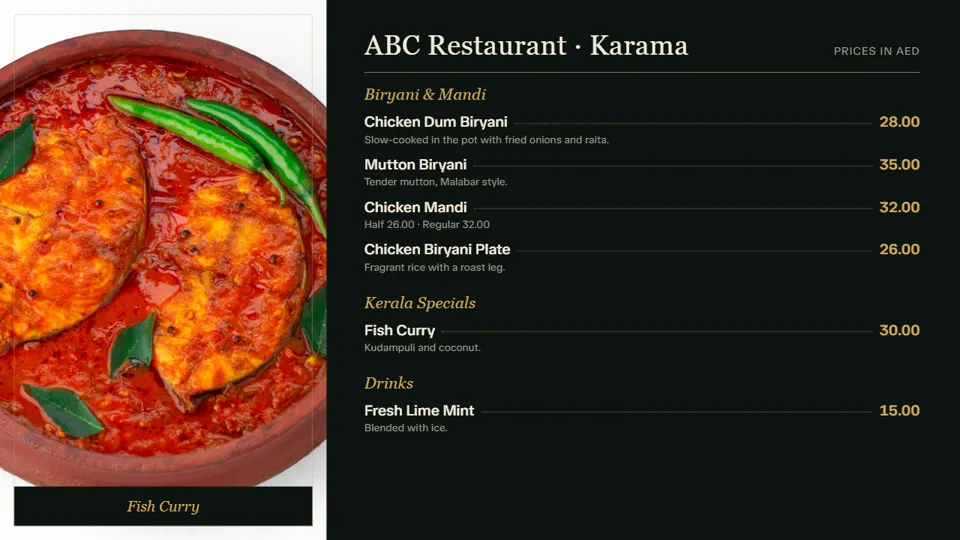
Playlists on a timetable
Schedules swap playlists by time and day, so breakfast gives way to dinner on its own.
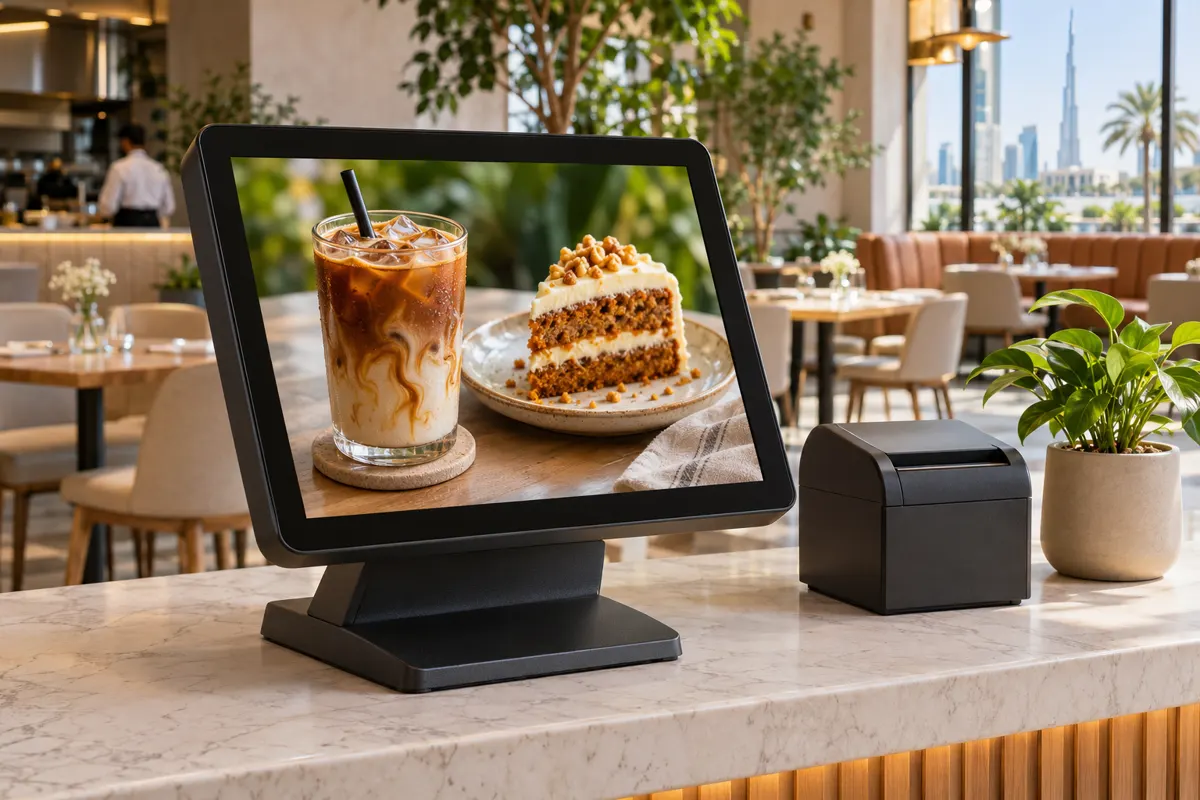
POS & counter PCs
When the till is idle, it advertises.
The Fyko TV player for Windows runs next to the POS software you already use.
- Plays your offers after 15 seconds to 1 hour with no use
- A touch, a key or a POS pop-up brings the POS straight back
- Old Windows 7 PC? Fyko TV Light plays your photos and videos
Screens
Runs on the screens you already have.
- Smart TV browser
- Most smart TVs and TV boxes from about 2018
- Android TV app
- Android TV, Google TV, boxes and sticks
- Windows player
- Windows 10 and 11 PCs and POS terminals
- Fyko TV Light
- Windows 7 and low-spec PCs
Portrait, landscape and rotated screens. LG webOS TVs play over the internet only.
Getting started
From blank TV to menu board.
Open Fyko TV on the screen
Go to fykomenu.com/tvsc in the TV's browser, or open the Fyko TV app. The TV shows a code and a QR.
Scan the QR with your phone
Signed in, your phone pairs it. New to Fyko? Register your restaurant, start the free trial, then scan again.
Choose what it plays
A menu board, a photo, a video or a playlist. Save, and the TV changes by itself.
Questions
Before you start
Is Fyko TV a separate account?
No. Fyko TV is part of Fyko Menu. You sign in, manage your screens and pay on fykomenu.com, with the same account as your menu.
Do I need online ordering to use it?
No. Register free, pick a sample menu and go straight to your screens. You can add ordering later.
What does it cost?
Fyko TV is sold in screen packs, from one screen up to unlimited, and plans that include it come with 2 screens. Current prices are on fykomenu.com/fyko-tv.
Does it keep playing if the internet drops?
Photos and videos the screen has already saved keep playing offline. Live streams need the internet.
Do you supply the TVs?
No. Fyko TV runs on screens you already have or buy yourself. TVs and mounting are not supplied.